Instagram Post Creator

Researches a topic and packages a visual Instagram post with its caption.

Your conversations are private and secure.

Example prompt

Use a brief this specific.

Name the source material, constraints, decisions, and exact deliverables. The agent can then make useful choices without guessing.

Example brief

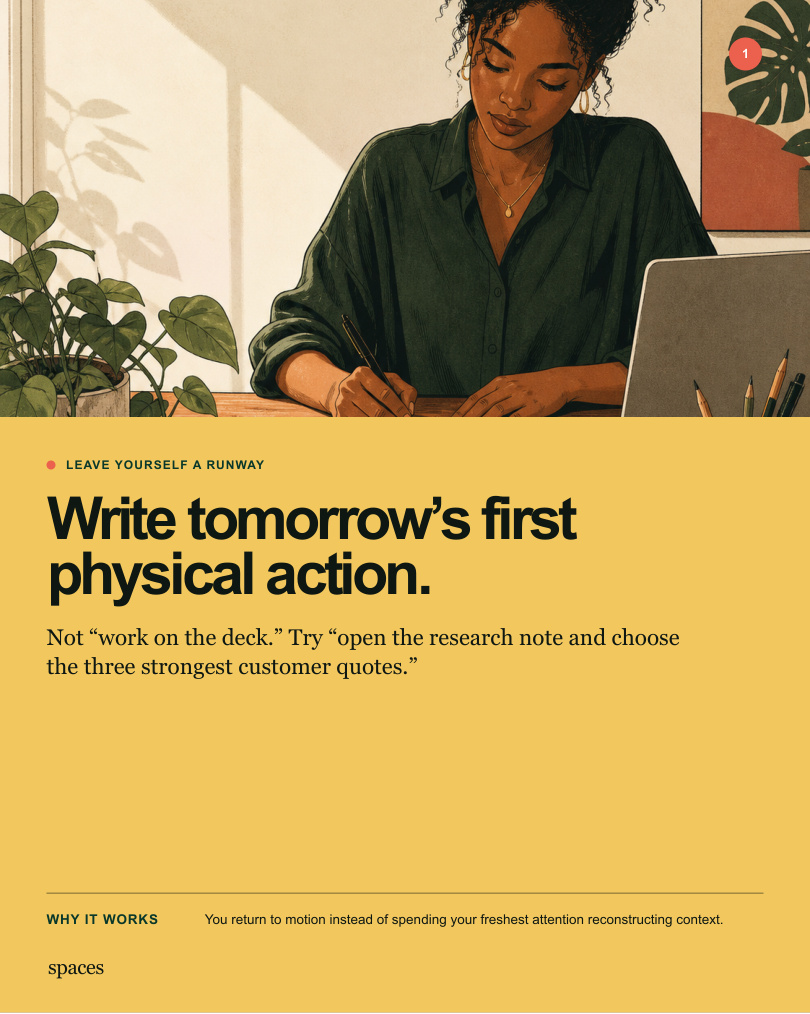
Create a five-slide Instagram carousel for independent creatives titled ‘5 quiet habits that protect your attention.’ Use a warm editorial illustration style, forest green and sunlit yellow, one recurring person and workspace, and a clear narrative progression: hook, tension, pattern, reset, close. Keep each slide readable on a phone, write concise original copy, provide accessibility alt text and a caption, and deliver five finished 4:5 images plus a review PDF.

Example output

A five-post editorial carousel with an actual point of view.

The sequence uses illustrated concepts, deliberate pacing, and a caption-ready narrative instead of five interchangeable quote cards.

01 · The hook from the Instagram Post Creator example
01 · The hook
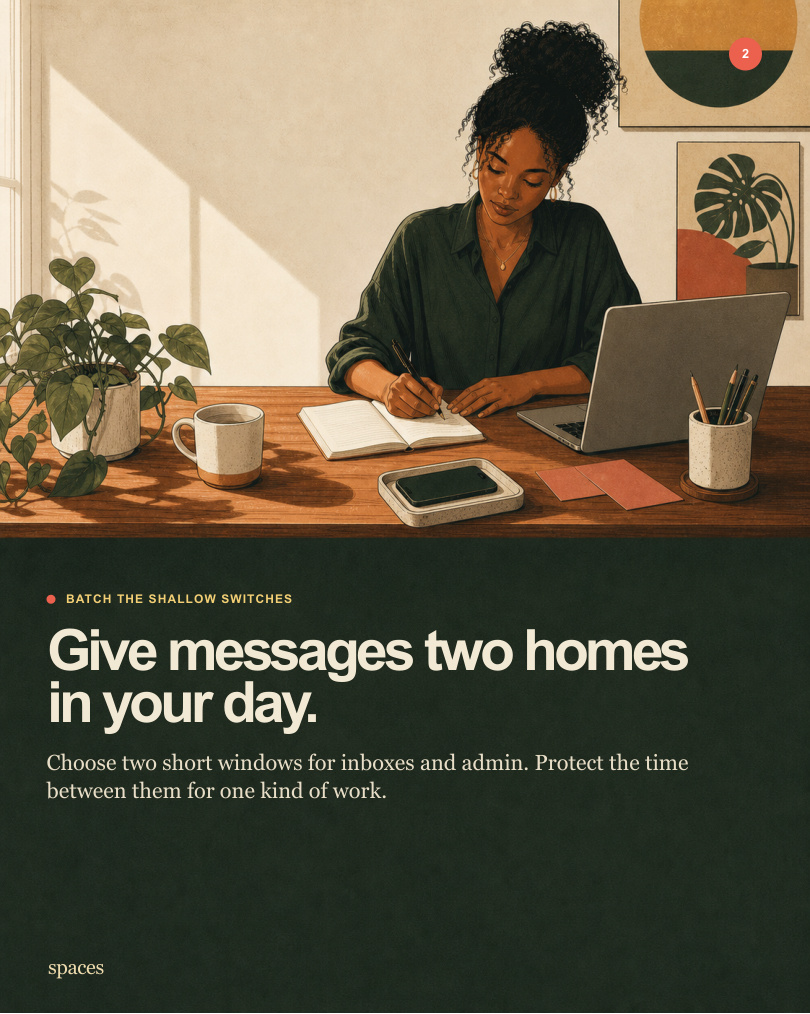
02 · The tension from the Instagram Post Creator example
02 · The tension
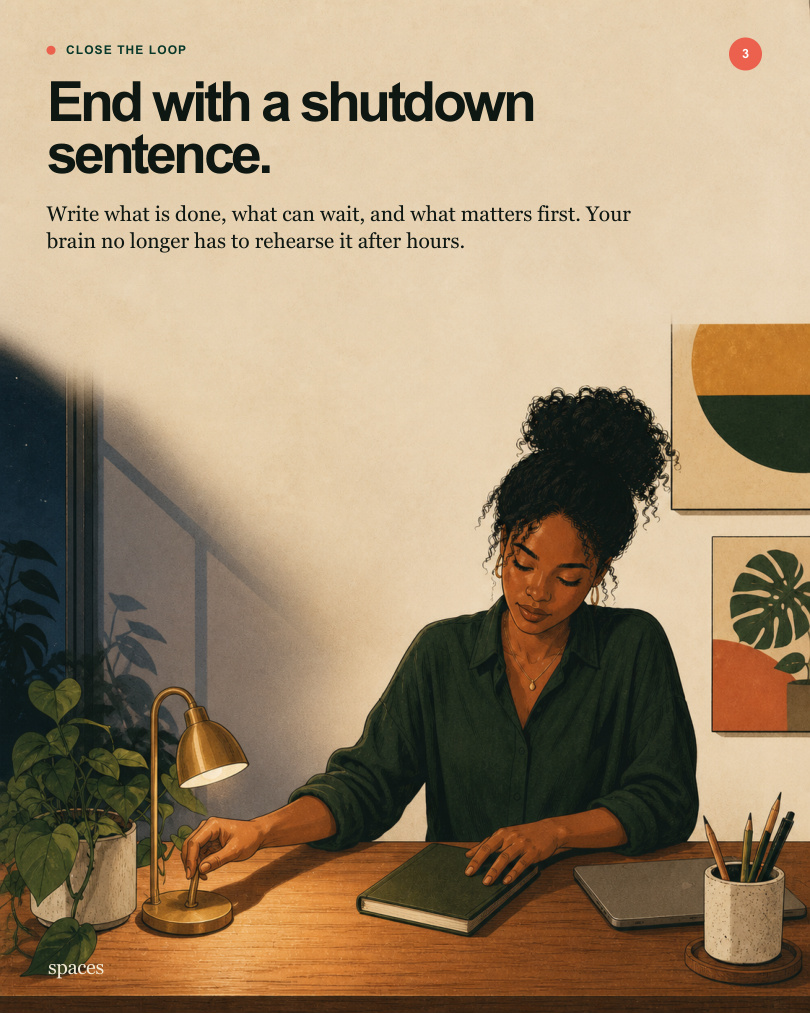
03 · The pattern from the Instagram Post Creator example
03 · The pattern
04 · The reset from the Instagram Post Creator example
04 · The reset
05 · The close from the Instagram Post Creator example
05 · The close
Complete deliverableDownload the complete carousel

AI Instagram Post Creator, built to deliver finished work

Researches a topic and packages a visual Instagram post with its caption. This AI instagram post creator workflow is designed for brands, creators, and social media teams who need more than loose suggestions: it returns a post graphic and ready-to-use caption.

What it creates

A post graphic and ready-to-use caption. The deliverable is built around the goal and constraints in your brief.

What to provide

Describe the goal, constraints, audience, timing, and the format you want delivered. Optional source images can help the agent match your source material more closely.

Who it is for

Brands, creators, and social media teams. Use it when you want a concrete result you can review, share, or act on.

How the Instagram Post Creator works

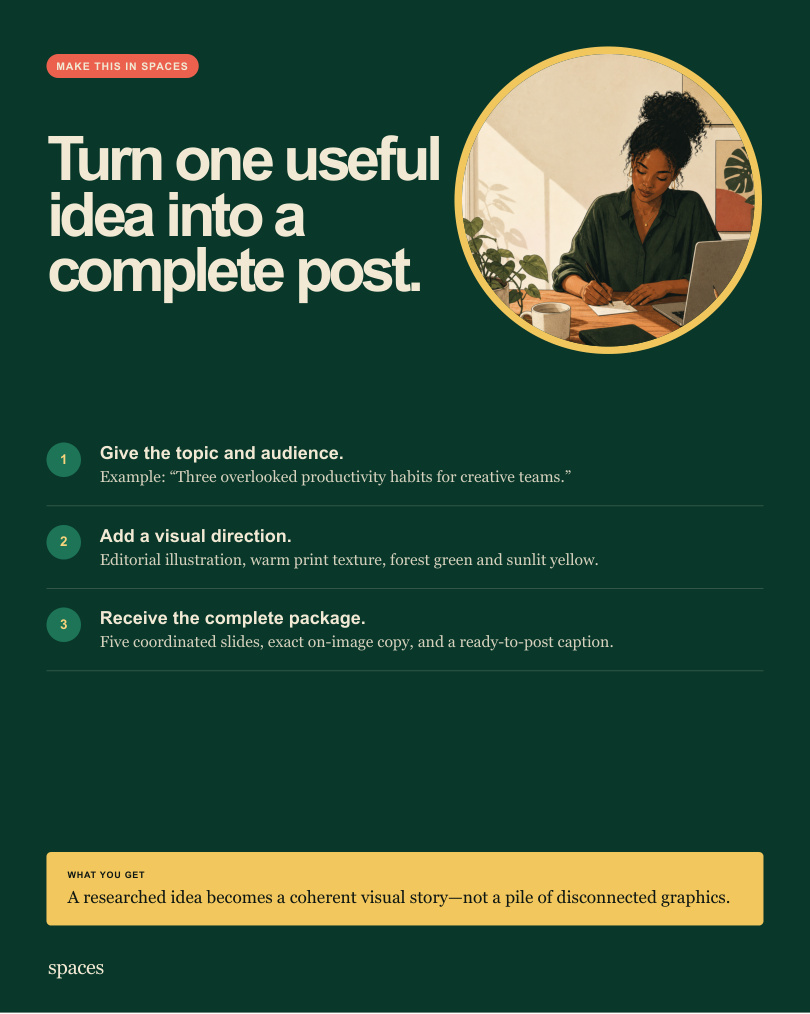
  1. Describe the outcomeStart with a focused request such as “Create a carousel about three overlooked productivity habits” and add the constraints that matter.
  2. Add the right contextDescribe the goal, constraints, audience, timing, and the format you want delivered. Optional source images can help the agent match your source material more closely.
  3. Receive finished workA post graphic and ready-to-use caption. Review the result in the Spaces workspace alongside its supporting material.

Common questions

What does the Instagram Post Creator deliver?

A post graphic and ready-to-use caption.

What should I provide to the Instagram Post Creator?

Describe the goal, constraints, audience, timing, and the format you want delivered. Optional source images can help the agent match your source material more closely.

Can I run the Instagram Post Creator on the web?

Yes. After you send the request, sign in with your Spaces email and password. Your first completed eligible web result is free; a clarification or failed run does not use it.